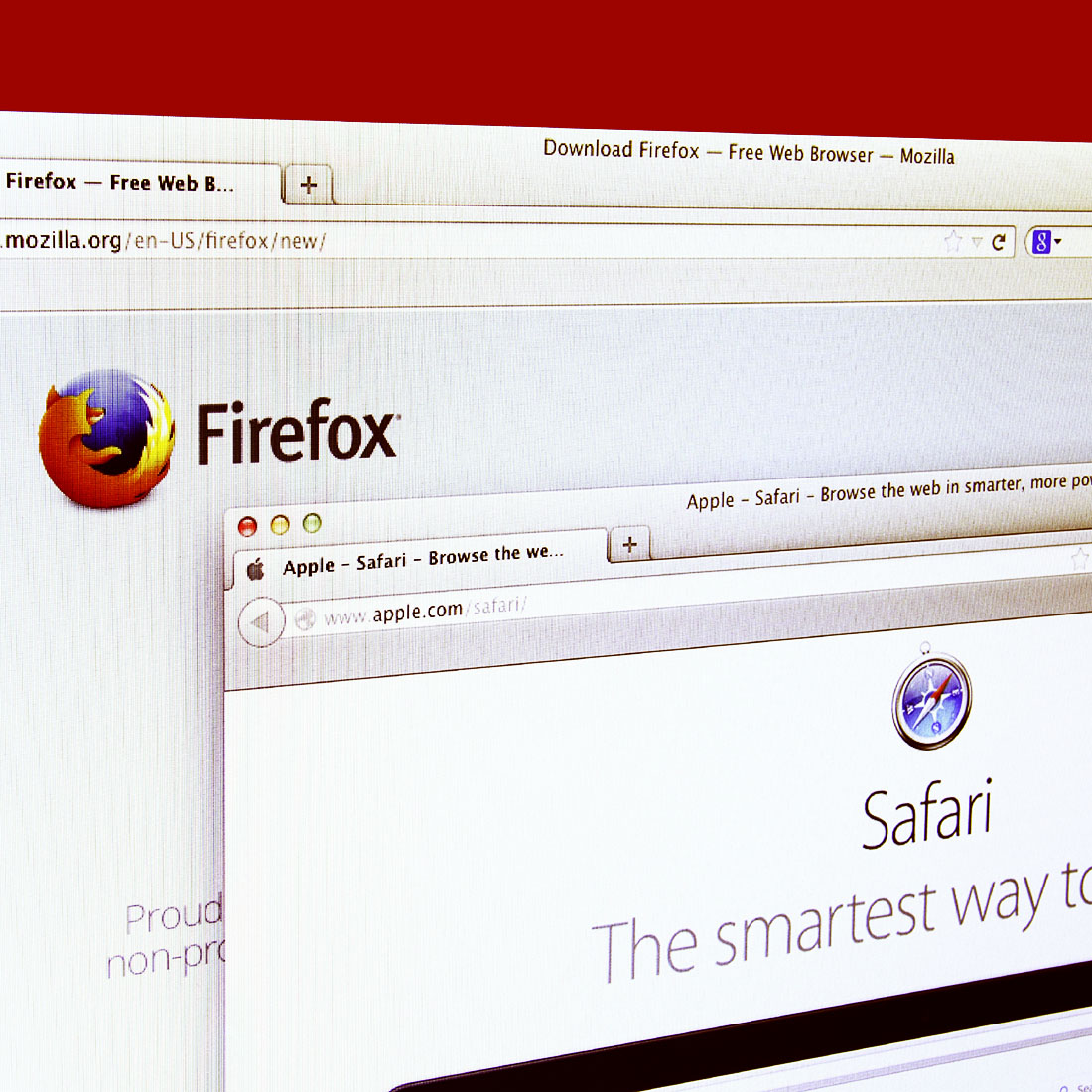
Showing posts with label Firefox. Show all posts

Wednesday, December 9, 2015

Focus by Firefox for Safari Goes Against Ad-Providers - http://clapway.com/2015/12/09/focus-by-firefox-for-safari-goes-against-ad-providers/

The new content ad blocker named Focus by Firefox will make ad-providers upset, but will make users extremely happy. Surfing the web without an ad blocker can be one of the most annoying experiences anyone can ever have. Mozilla announced that Focus will be available for Safari users on the iOS 9.


10. Ads blocker Focus by Firefox


FOCUS BY FIREFOX TO BLOCK ADS


Mozilla has stated that this ad blocker will be a little different than other one’s. They stated that it will indeed block ads. As well as blocking certain social media content. However, Mozilla stated they were focusing on making Focus transparent with how the content is created. They state that not many ad blockers on the market work like that. Blocking ads on the internet will also no doubt improve the overall performance. This is because when ads are running in the background it slows down an operating system.


FOCUS BY FIREFOX NOT AVAILABLE FOR FIREFOX FOR IOS


Although Mozilla made this ad blocker, it is still not available for their Firefox for the iOS. They say that it is not because of Apple. Apple decided to have content blocking unavailable for any third party browsers. The Vice President of Mozilla, however, commented and said that they are working on resolving this and making it available for the iOS. So, because of this, they state that this new content blocker only works with Safari.


FOCUS BY FIREFOX IS AWESOME FOR USERS


As mentioned earlier, this is something that if you do not have you need to get. If you surf the web without ads being blocked, then you have a lot of patience. Ad blockers are best friends for anybody who loves to surf the web. Obviously, ad-providers are not to fond of this, but ads are annoying and it is hard to deny that.


Focus by Firefox for Safari Goes Against Ad-Providers

Wednesday, December 2, 2015

Samsung Browser Could Beat Firefox and Chrome - http://clapway.com/2015/12/02/samsung-browser-could-beat-firefox-and-chrome/

There is a new web browser that is being created. Samsung has announced that they are releasing their Samsung Browser for the Gear VR virtual reality headset. Samsung has released some details on this web browser, and it seems as if it could be even better than Mozilla Firefox and Google Chrome.


Samsung Browser


DETAILS ON THIS NEW SAMSUNG BROWSER


This new web browser is set to make the Samsung Gear VR an even better device. Samsung has announced that their browser will support voice recognition. They have also stated that their content will feature 3-D video streaming, 360-degree support, and will have HTML5 videos. They have also announced that it will have an on-screen keyboard that will be used for input. All is set for Samsung to make their web browser the most user efficient browser in the world. Not only that, but they look like they will have a powerful web browser that will have top of the notch videos.


WILL THIS SAMSUNG BROWSER BE BETTER THAN FIREFOX AND CHROME?


It sure does sound like Samsung’s new web browser will be better than Mozilla’s or Google’s, but reviews have not surfaced yet. This is because the only version that is available right now is the beta version. Samsung announced that the beta version would be available in the Oculus Store starting December 2nd. Once their full version web browser officially hits the market, it will be seen if it will be better than Firefox or Chrome.


SAMSUNG BROWSER GREAT FOR THEM


Whether or not this browser ends up being better than Chrome or Firefox does not mean everything. The fact that they are making this for their Gear VR will increase the usability of it. For now, people will have to test the beta version and see what kind of product Samsung has created. However, it does sound like their web browser could be the real deal.


Samsung Browser Could Beat Firefox and Chrome

Wednesday, November 4, 2015

Mozilla Upgrades Firefox Private Browsing - http://clapway.com/2015/11/04/mozilla-upgrades-firefox-private-browsing123/

Mozilla upgraded Firefox Private Browsing Mode on their web browser to monitor privacy just a bit more closely. The problem that the feature faced in the past was that while it did delete cookies and information from browsing history after closing the private window, the websites themselves still kept the information. With this new upgrade, Mozilla has added a new layer of privacy by outright locking embedded code in websites that track behavior around the internet. That means ads, browsing habits, and social sharing buttons are more closely managed and kept behind a very strict line.


Mozilla - Clapway


This is speculated to be an effort on Mozilla to push for a more open web that gives publishers and developers the ability to monetize their work and balance user privacy at the same time. It’s not looking to kill any advertising based businesses through Firefox Private Browsing Mode, but to encourage a halfway point.


This doesn’t mean that Firefox Private Browsing Mode guarantees complete privacy. For one, internet service providers and network admins will still get access to users’ browsing history, cookies and other information. This, however, is a clear attempt from the part of Mozilla to compete against the monster that is Google Chrome by creating these features centered around the users and mark themselves as different from all other browsers.


Mozilla Upgrades Firefox Private Browsing

Sunday, August 9, 2015

Firefox File-Stealing Flaw Could Lead to Data Theft - http://clapway.com/2015/08/09/firefox-file-stealing-flaw-could-lead-to-data-theft123/

Mozilla has discovered a file-stealing mechanism in their current browser that could lead to data theft among its many users. According to PC Magazine, a Russian user found a bug that searches for sensitive files and uploads them to a remote server that is believed to be in the Ukraine. Since this discovery, the company has released an update and is urging users to download the latest version.


How do users fight against the file-stealing flaw?: Mozilla Firefox Update


These new security updates, which should rid the browsers of the bug, were released Friday morning. As most users let their computers update automatically, Firefox is now urging users to check their updates to make sure their browsers are running on Firefox 39.0.3 or Firefox ESR 38.1.1. Presently, Mozilla believes that Mac users were not affected by this breach in security; however, they are advised to go ahead and update as well. This also means changing any passwords that were saved in threads, which users might have selected “log me in automatically” on.


File-stealing Glitch: What Happened?


As explained by Daniel Veditz on the Mozilla Security Blog, “The vulnerability comes from the interaction of the mechanism that enforces JavaScript context separation (the “same origin policy”) and Firefox’s PDF Viewer. Mozilla products that don’t contain the PDF Viewer, such as Firefox for Android, are not vulnerable.” Ad-blocking software is believed to have also prevented any theft of information. At the moment, the exact location of the bug’s release is still unclear, although the information was being sent to a server in the Ukraine.


How Do I Update my Browser?


For the most part, it is likely that users’ computers have made updates automatically. If you have the latest version of Firefox, the update is also quite simple. First, open up the menu and click “help.” After that, select “About Firefox,” which will open a pop-up window that automatically checks for any updates. If users are using any version before 39.0.3, they must click the “Restart Firefox to Update” option. Once Firefox has restarted, go back to the menu selection, and then back to “About Firefox” to double check that the browser has made the correct updates.


Interested in more technology news and product reviews? Check out Clapway Trends:


Firefox File-Stealing Flaw Could Lead to Data Theft

Wednesday, August 5, 2015

The option to not be #tracked? Maybe we #MovingUp on the civil rights front. - http://clapway.com/2015/08/05/do-not-track-standard-might-be-solution-to-tracking-245/

The Electronic Frontier Foundation (EFF) privacy body, Disconnect, and a group of web companies have launched a new ‘Do Not Track’ standard that is designed to persuade website owners and advertisers to respect the citizens of the internet’s privacy online.


These companies who are signing up to the new setting will have to agree to not store or share information of the individuals who are visiting their web pages. The policy itself might not acquire large amounts of interest as it is voluntary and opt-in, meaning that this can be ignored by internet firms. This has been ignored in previous versions as well.


MAJOR SUPPORTERS HAVE SINCE BACKED OUT


Major supporters, like Yahoo and Microsoft, have since grew cold on the idea of not collecting user information. In April, Redmond revealed that it is no longer going to enable DNT, do not track, as the default state in Windows Express settings. In previous years, Yahoo sais that the Do Not Track setting will no longer be available on the site and claimed that they have yet to see a single standard form, and become adopted by the broader tech community.


Since, the internet pioneer has agreed to support Do Not Track for Firefox users as a part of the search deal with the browser. EFF and their launch partners are: publishing site Medium, privacy search engine DuckDuckGo, and tracker blocking extension AdBlock.


The efforts of EFF are making headlines, but online tracking of user and their information is a common practice for most internet giants such as Facebook and Google.


DO NOT TRACK WILL GIVE USERS CLEAR OPT-OUT OF TRACKING OPTION


EFF has reported that they are very excited at the amount of important web services who are committed to the implementation of Do Not Track. This will give their users a clear and easy to understand opt-out from online tracking and the exploitation of their reading history. The companies who are involved also understand the practices surrounding analytics, and advertising that can be safe for all users.


DO NOT DISTURB BEST PAIRED WITH PRIVACY SOFTWARE


EFF has admitted that DNT is best paired with privacy software and is not to solely protect users from sites that try to secretly follow and retain internet activity.


Protect your privacy from tracking with Nanoform:


https://youtu.be/xky8HjLKIZo


‘Do Not Track’ Standard Might Be Solution to Tracking

Monday, August 3, 2015

Microsoft Windows 10 Default App Settings Might Have Sparked Browser War 2.0 - http://clapway.com/2015/08/03/microsofts-windows-10-default-app-settings-might-have-sparked-browser-war-2-0-245/

On Friday an anonymous Microsoft employee reported that Windows 10 had been installed on 67 million PCs, which is surprising given that the OS was released to the public less than a week ago. Now those are some pretty impressive figures, but it seems like there is already a bit of stink being brought up by Mozilla about some of Microsoft’s express settings when installing the operating system.


The Big Stink


For most users, upgrading to Windows 10 is a relatively simple process, and most people will typically select the express install method. Mozilla, the guys behind the Firefox web browser, believe this is because the option to personalize the installation settings is subtly parked in the bottom left corner of the screen.


Now, that doesn’t seem to be a very good reason to be upset. After all, what company wouldn’t want to make it effortless for their users to upgrade to the newest iteration of their software? The issue lies in the fact that when a user selects the express installation method, it overrides the user’s previous default applications. What does it replace it with? Microsoft’s Windows Edge browser and Groove music.


Mozilla Believes This is an Aggressive Move


In a recent blog post, Chris Beard, CEO of Mozilla, went over why this is an offense against user choice. Beard accurately points out that it takes twice as many clicks to set default applications as in previous versions of the operating system.


Prior, a user only needed to open up a program that wasn’t set as the default and the operating system would prompt the user to set the program as a default if they wished to do so.


“These changes aren’t unsettling to us because we’re the organization that makes Firefox. They are unsettling because there are millions of users who love Windows and who are having their choices ignored, and because of the increased complexity put into everyone’s way if and when they choose to make a choice different than what Microsoft prefers,” said Beard in an open letter to Microsoft CEO Satya Nadella.


Take the Power Back with Windows 10


Microsoft stands by its design decision stating, “We designed Windows 10 to provide a simple upgrade experience for users and a cohesive experience following the upgrade.”


For users who want to make sure they retain all of their default preferences, their best bet is to make sure they think ahead before upgrading. During the installation wizard, users will be prompted to select the express install method, but at the bottom of the screen is a custom settings button. Clicking this will allow a user to choose their own default apps rather than assuming the default programs in Windows 10.


Do you believe Microsoft’s expressing settings are nefarious or all in good nature?


The newest in tech related news can be found in Clapway Trends on our YouTube channel:


Microsoft Windows 10 Default App Settings Might Have Sparked Browser War 2.0